
Settings
Every change on this screen applies immediately. There’s no Save button.
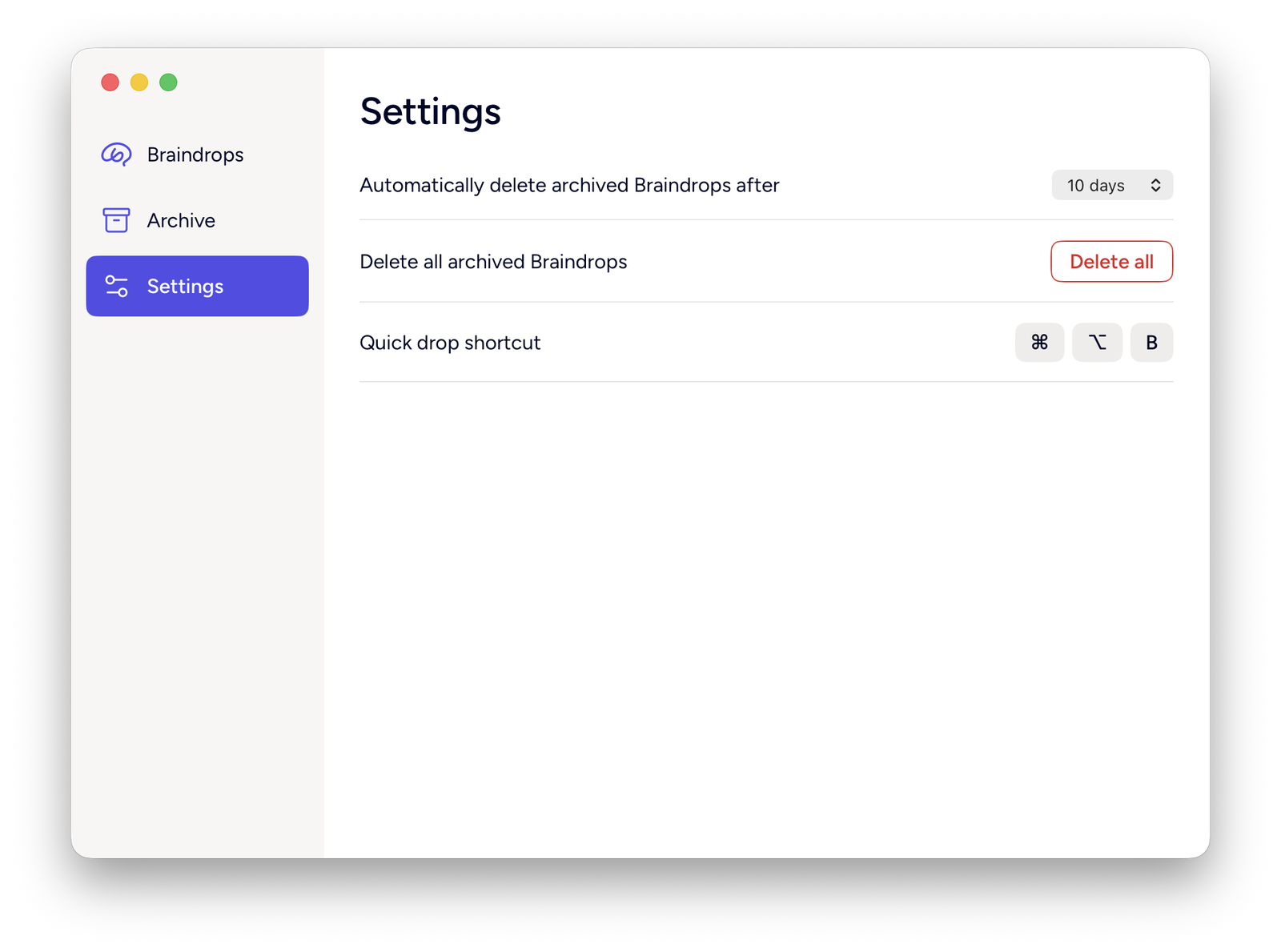
Automatically delete archived Braindrops after
How long an archived drop is kept before auto-purge deletes it: 5, 10 or 30 days (10 by default). See Archive for exactly what auto-purge does and when it runs.
This setting syncs across your Macs through iCloud, because it controls what gets deleted — a value set on one Mac applies on all of them.
Delete all archived Braindrops
Permanently deletes every archived drop right away, with no confirmation. Only appears when the Archive has something in it. Active drops are never touched.
Quick drop shortcut
Shows the current global hotkey for opening the quick-drop panel — ⌘⌥B by default. This is specific to the Mac you’re on and doesn’t sync.
Sync status
If iCloud sync is having a problem you can act on, a notice appears at the top of this screen: signed out of iCloud, iCloud storage full, or drops not syncing right now. Healthy sync shows nothing — there’s no permanent “Synced” badge. See Syncing & storage.