
Braindrop documentation
Braindrop is a macOS app to help you offload thoughts, stay present and never forget a great idea.
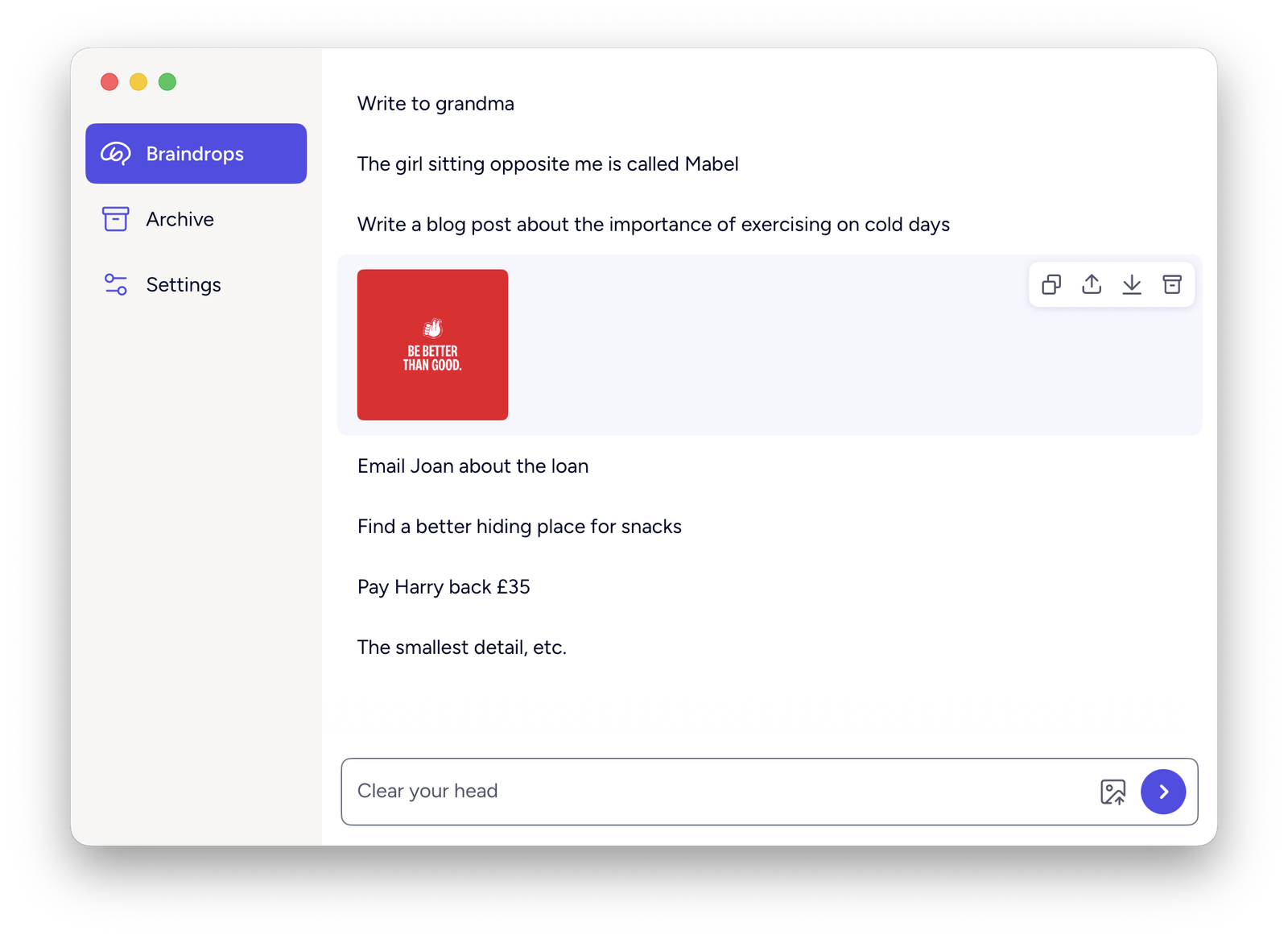
Braindrop for Mac is in public beta. Some behavior here can still change before general release.
- Drops are one-line thoughts. Click one to expand it in place; double-click to edit it.
- Order is yours. Drag any drop to reorder the list.
- Archive takes a drop out of the active list without deleting it. Archived drops are purged automatically after a retention window you set.
- Quick drop is a global hotkey that opens a small capture field over whatever you’re doing, from any app.
Start here
| If you want to | Read |
|---|---|
| Install the beta and capture your first drop | Getting started |
| Capture, expand, reorder, copy, share and delete drops | Braindrops |
| Attach an image | Images |
| Restore or permanently delete old drops | Archive |
| Capture from anywhere with a hotkey | Quick drop |
| Change the retention window or the shortcut | Settings |
Conventions across the app
- Changes save immediately. There is no Save button and no confirmation dialog, except for deleting all archived drops at once.
- Drops sync across your Macs through iCloud. There is no account, no sign-up and no server outside Apple’s. See Syncing & storage.